What is this product?
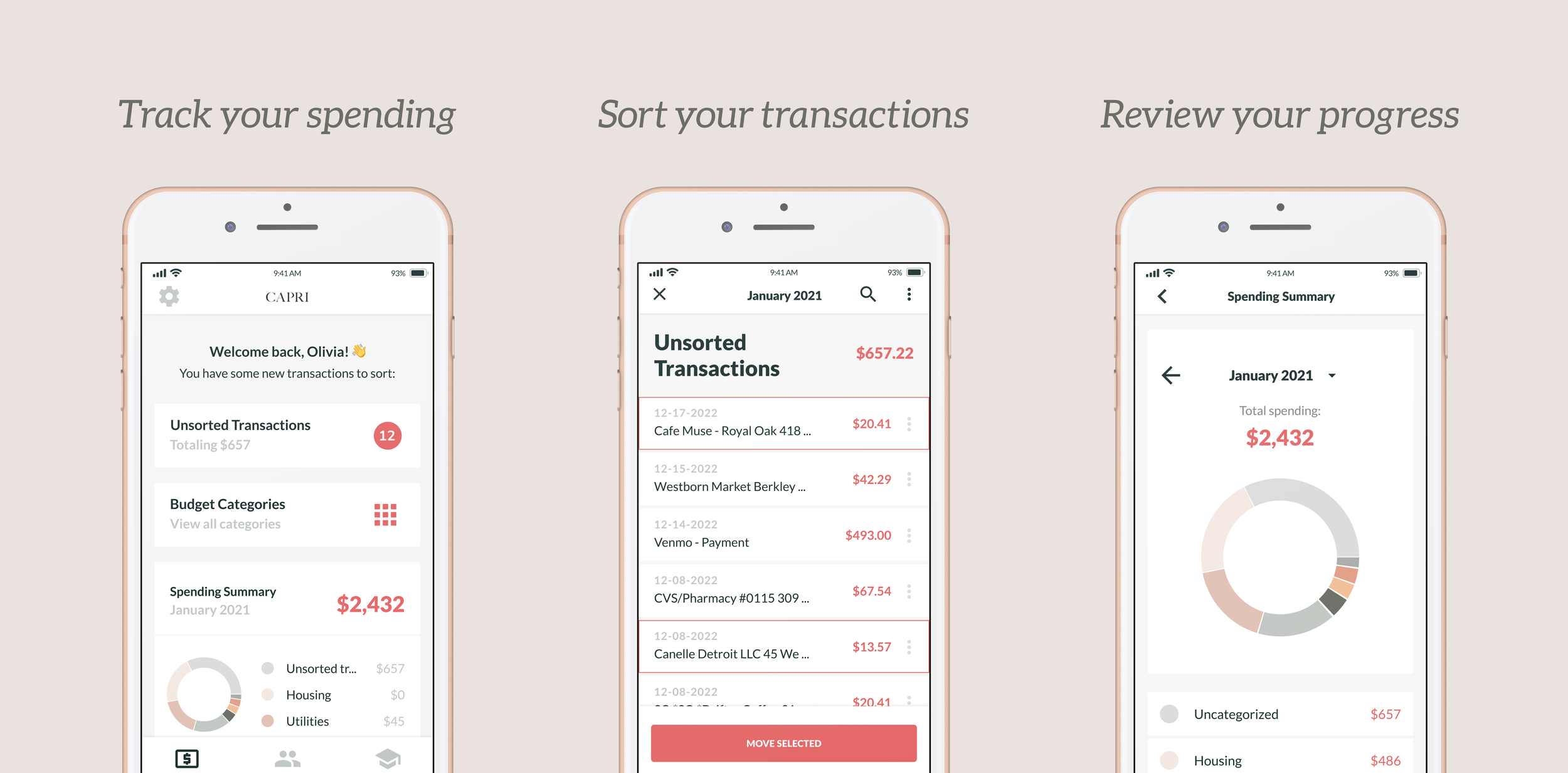
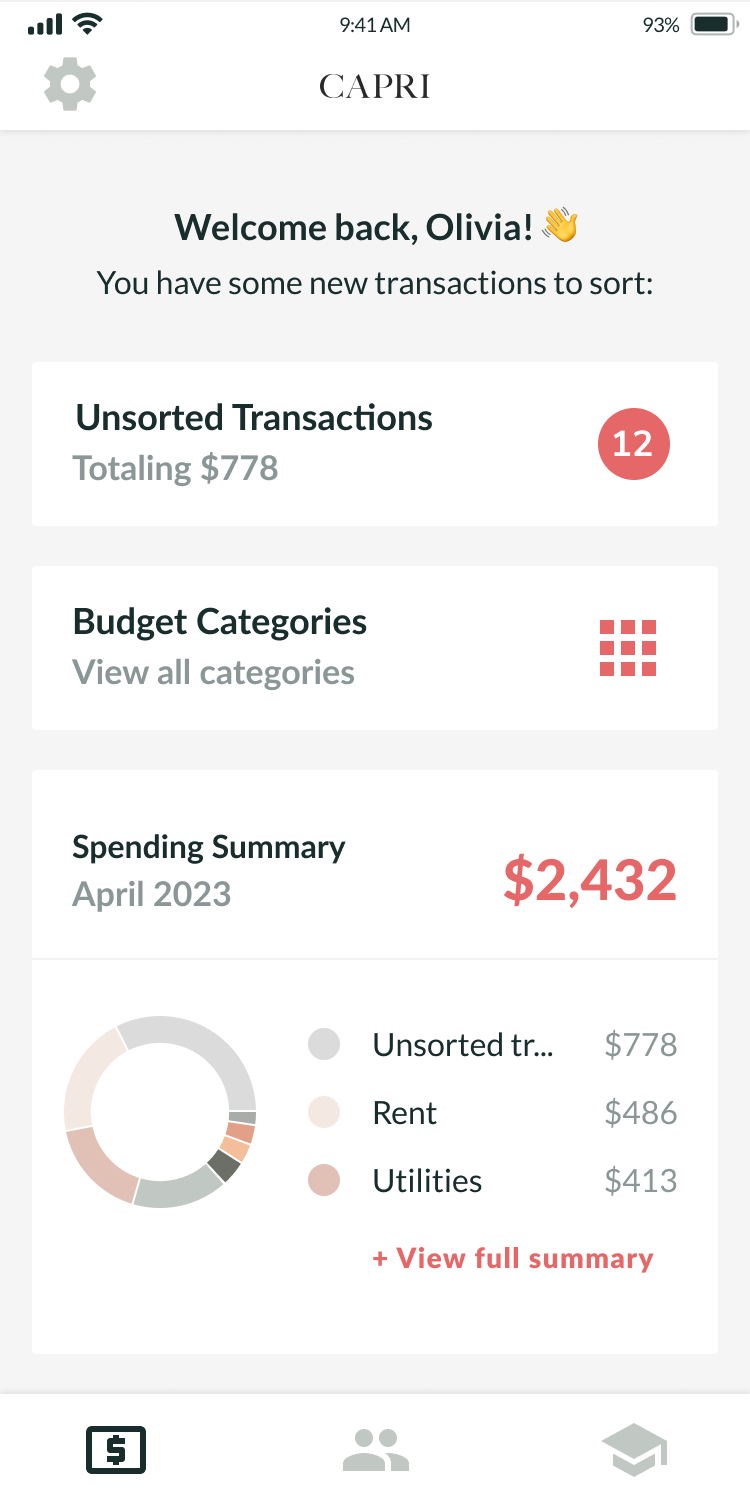
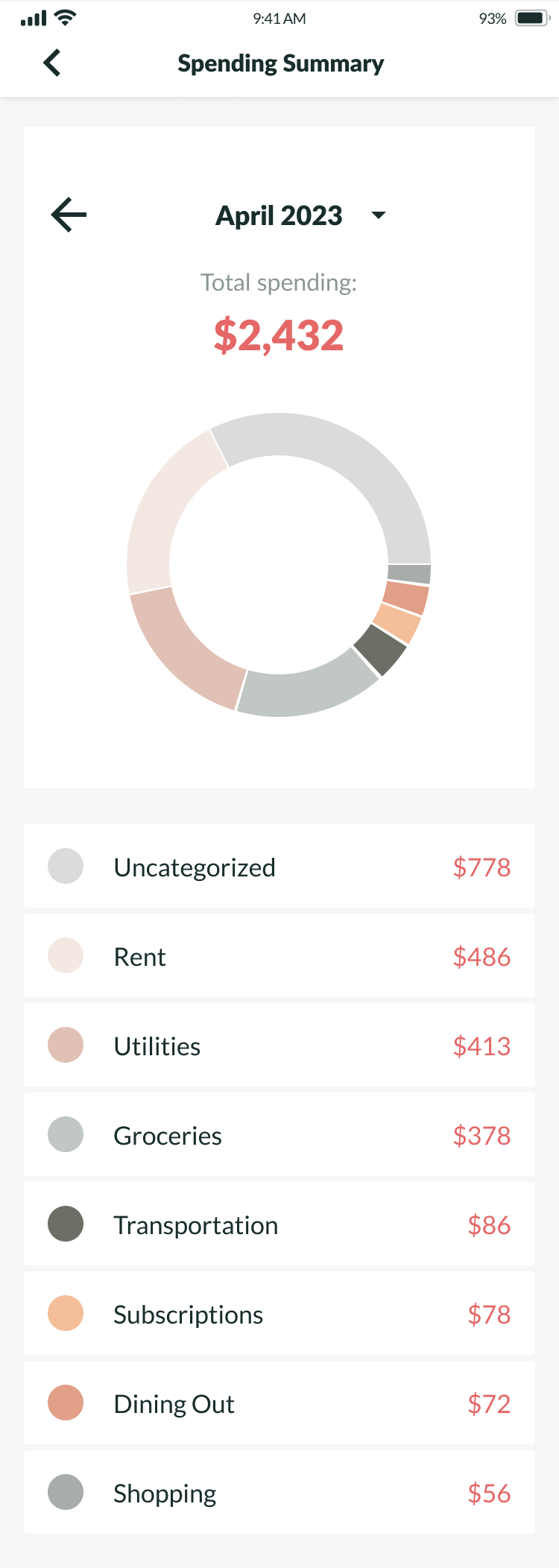
Capri Money is a finance education application tailored for girls and young women. It combines educational content with a suite of financial tools that is catered to a historically underserved group when it comes to finance education. The Budgeting Tool was the first feature we designed that would allow our users to apply the knowledge they gained in the educational content of the app to healthy financial habits in their lives. The Budgeting Tool focused on enabling users to set budgeting goals each month for different spending categories, import and sort their financial transactions into these budgeting categories, and review their spending at the end of the month to see how their spending habits stacked up against the budgeting goals they'd set for themselves.
Why was it important to make?
Girls and young women are not taught about finances in the same way that boys are, and they go on to earn less money in their careers than men in similar roles. Capri Money is on a mission to help offset the lack of finance education that girls and young women receive. Existing budgeting tools such as Mint and YNAB offer robust features for tracking finances, but they're geared towards users who already have a basic understanding of personal finance practices. We wanted to differentiate ourselves from those competitors by making the Capri Budgeting Tool simple, intuitive, and tonally geared towards our target users.
What were the main design challenges to address?
Allow users to:
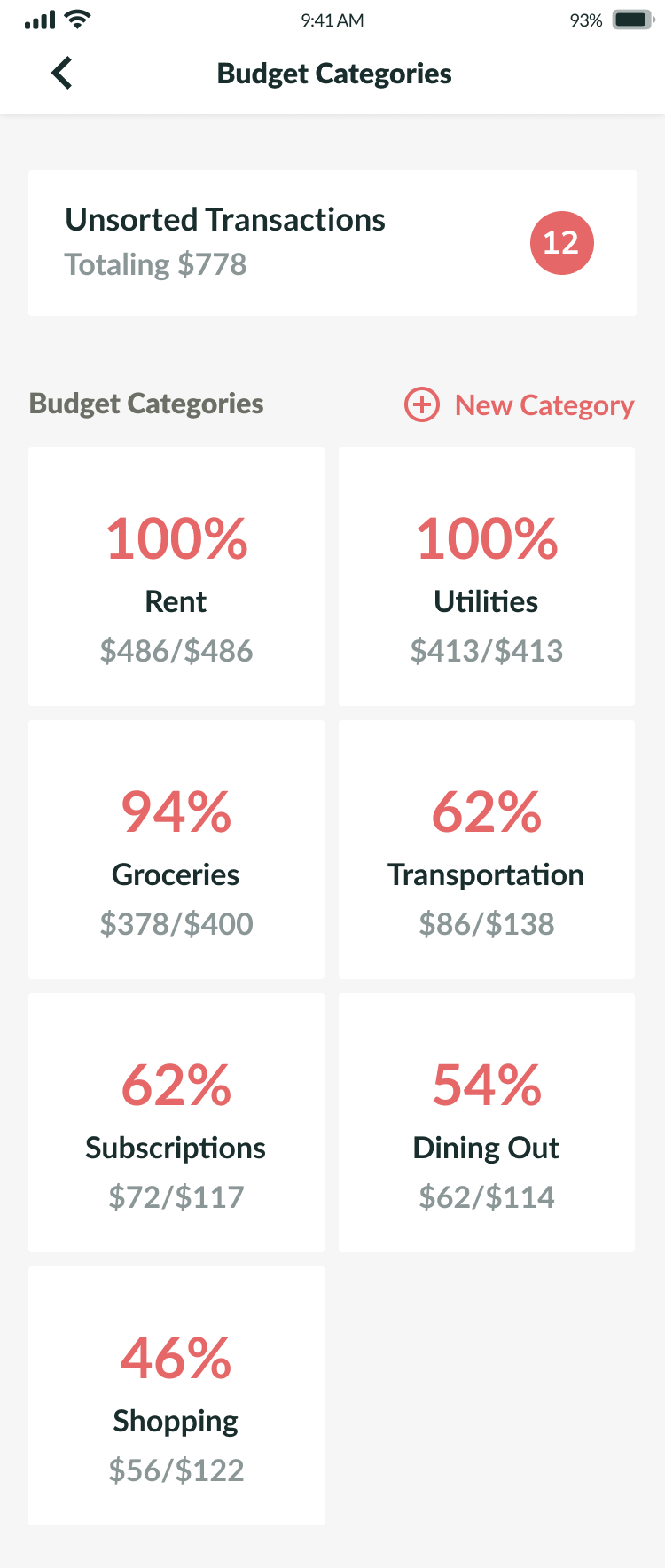
Create budget categories with defined spending goals per month
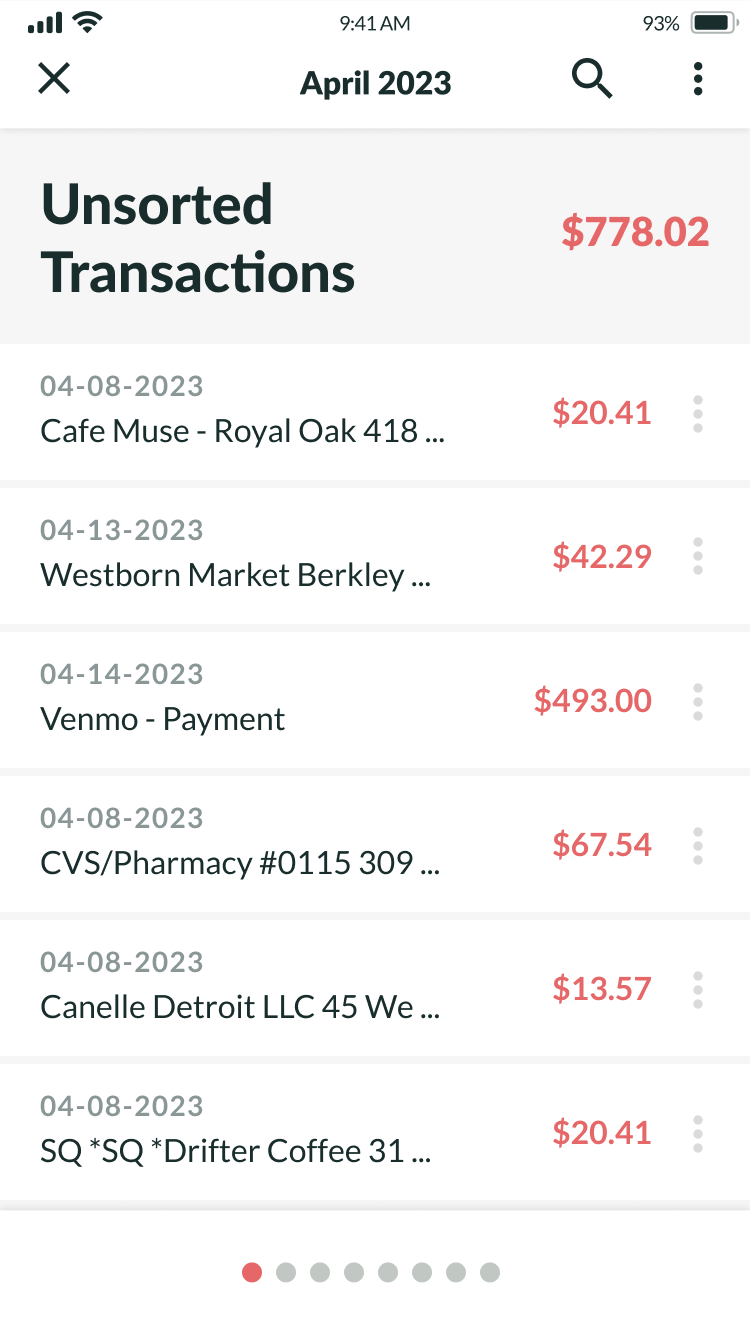
Import bank transactions and manually sort these transactions into their budget categories
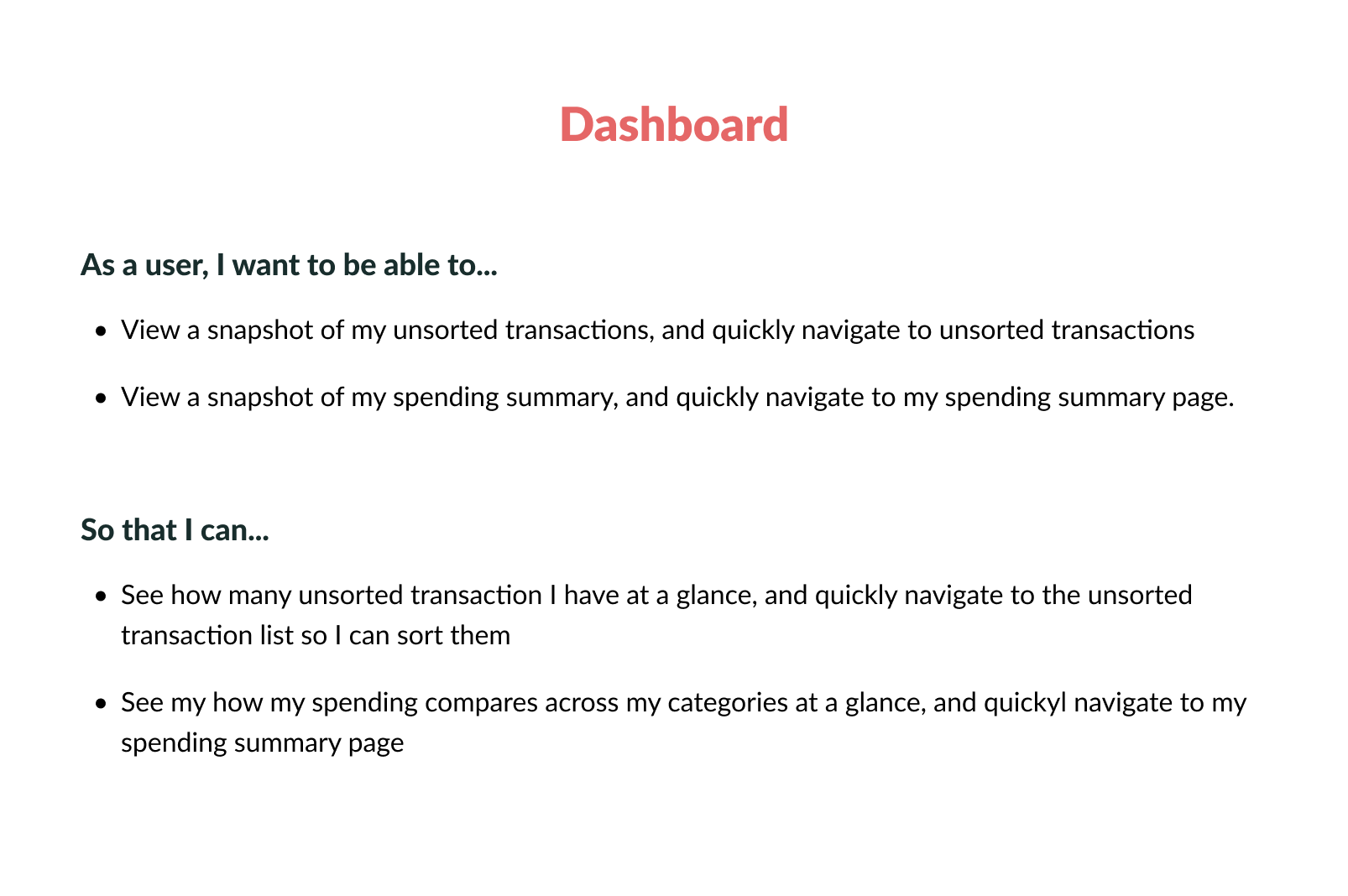
Track spending across their budget categories at a glance
How did we address challenges?
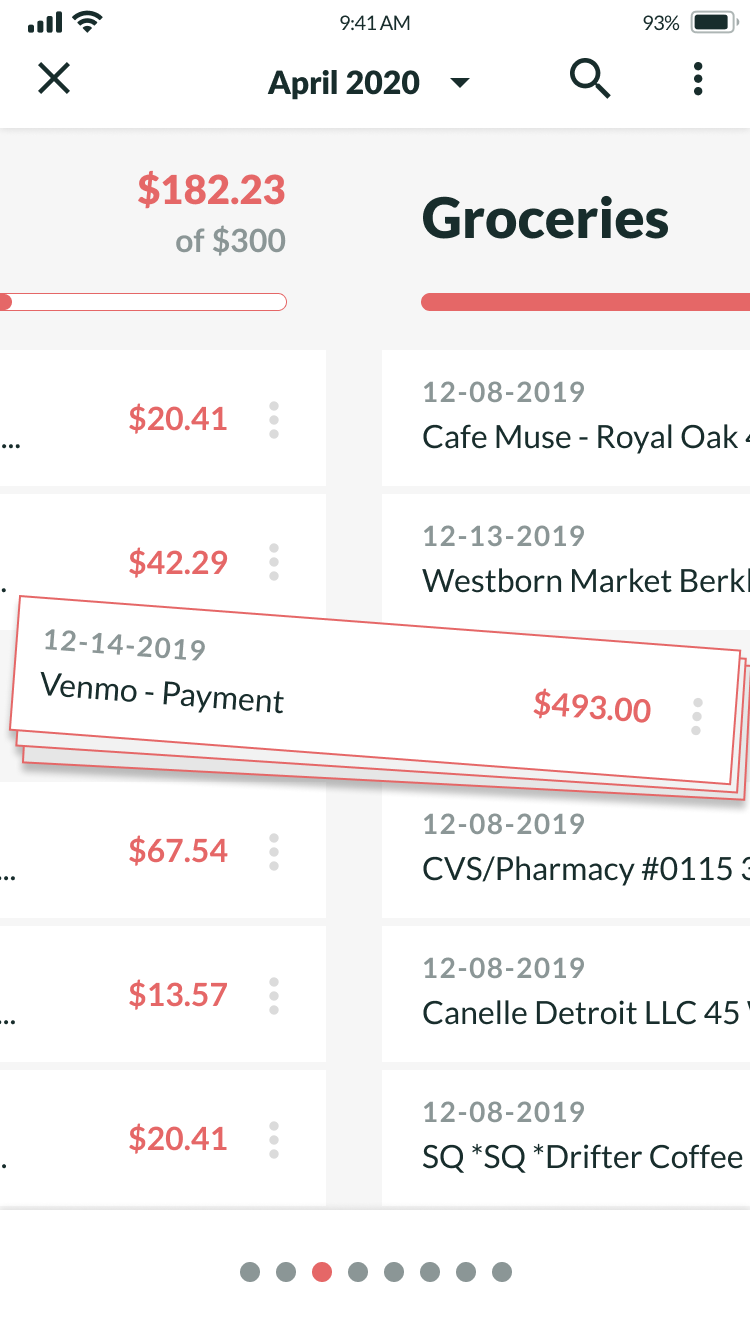
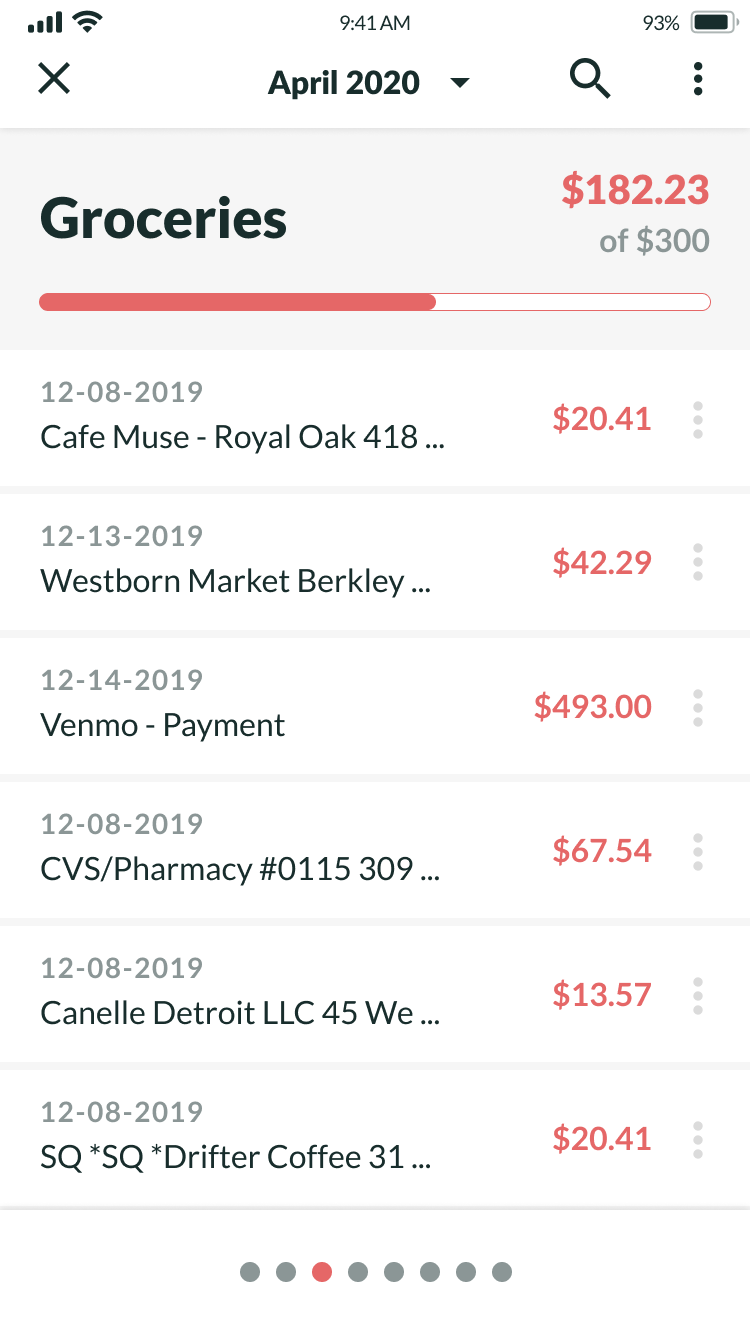
We wanted users to manually sort their bank transactions into budgeting categories. While other budgeting tools offer the ability to automate this kind of categorizing, it was important to us that our users get a mindful, hands-on experience with how they spent their money. As such, transaction sorting was front and center for our budgeting tool, and we wanted it to feel simple and intuitive to use while also providing financial utility. We chose to treat budget categories as lists, and transaction line items as card elements. The app automatically imported new spending transactions via Plaid and display them on an unsorted transactions list. From here, users could select transactions via tap and sort them into their budgeting categories with a quick menu flyout as well as drag-on-drop. Our target users were digital natives who grew up with smartphones in-hand, so we wanted the categorization process to be simple enough that users could get a glance of their budgeting goals and sort a few transactions during short breaks throughout the day.